Get started
The Hedera HTS Token Bot automatically grants and removes Discord roles based on the Hedera tokens and NFTs a member holds on-chain. Members link a wallet; the bot keeps their roles in sync with what that wallet actually holds — no manual role handouts.
1. Add the bot to your server
You’ll need Manage Server on the Discord server. The bot needs the Manage Roles permission, and its role must sit above the roles it will hand out (Server Settings → Roles).
2. Choose what unlocks each role
Decide which Hedera tokens or NFT collections map to which roles — e.g. “hold any NFT from a collection → Holder”, “hold 1,000+ of a fungible token → VIP”, or a whale / serial-range / trait gate. Reach out to @SuperheroesLazy and we’ll set up your gates with you. (Self-serve rule management is rolling out at htsbot.lazysuperheroes.com.)
3. Members verify a wallet
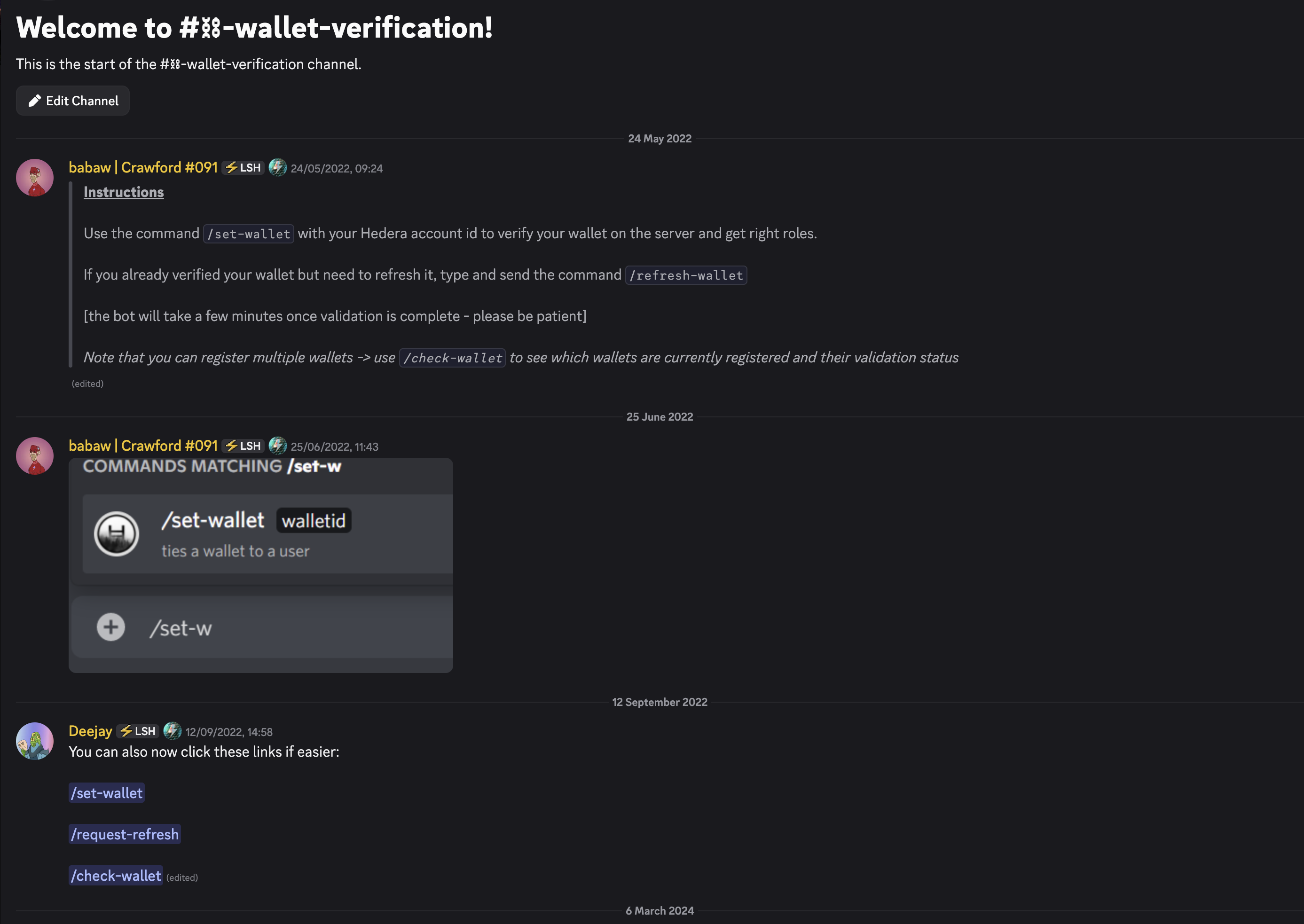
A member runs /set-wallet walletid:0.0.XXXX with their Hedera account id to link it. /check-wallet shows their linked wallets and validation status, and /request-refresh re-checks on demand. (You can register more than one wallet.)
4. Roles sync automatically
Once a wallet is verified, the bot reads the member and their current roles, checks the wallet’s on-chain holdings against the server’s gates, and grants every role they qualify for — updating them as holdings change (including staked/delegated NFTs). If a member sells out of a token, the matching role is removed on the next sync.